


5 Automation Hacks You'll Master in Zoho Books Training to Save Hours Daily

Updated: Oct 31, 2025
The modern accountant’s value is no longer measured by the volume of data they can manually input, but by the volume of tasks they can successfully automate. In the era of cloud accounting, tools like Zoho Books are less about digital ledgers and more about sophisticated workflow engines. Certified training in Zoho Books is the key to unlocking these efficiencies, transforming you from a data entry clerk into a strategic automation expert. This detailed guide reveals five critical automation hacks you will master to save not just minutes, but hours every single day.
The Shift from Manual Input to Automated Workflow
For decades, bookkeeping was synonymous with repetitive, error-prone tasks: typing in bank statements, chasing late payments, and manually matching receipts. Zoho Books training fundamentally shifts this paradigm, focusing on establishing set-it-and-forget-it systems.
The Hidden Cost of Manual Data Entry
Manual data entry is not only slow, but it is the primary source of accounting errors. Misplaced decimals, transposed numbers, and forgetting to categorize an expense can lead to inaccurate financial statements and compliance risk. The true goal of Zoho Books automation is to eliminate human intervention wherever possible, thereby increasing both speed and accuracy.
What is Automation Mastery in Zoho Books?
Automation mastery isn't just knowing the feature exists; it's understanding the logic to set up sophisticated rules. It means mastering conditional logic ("If X happens, then Y occurs") and ensuring that every step of a business cycle—from sales quote to cash collection—is seamlessly managed by the software.
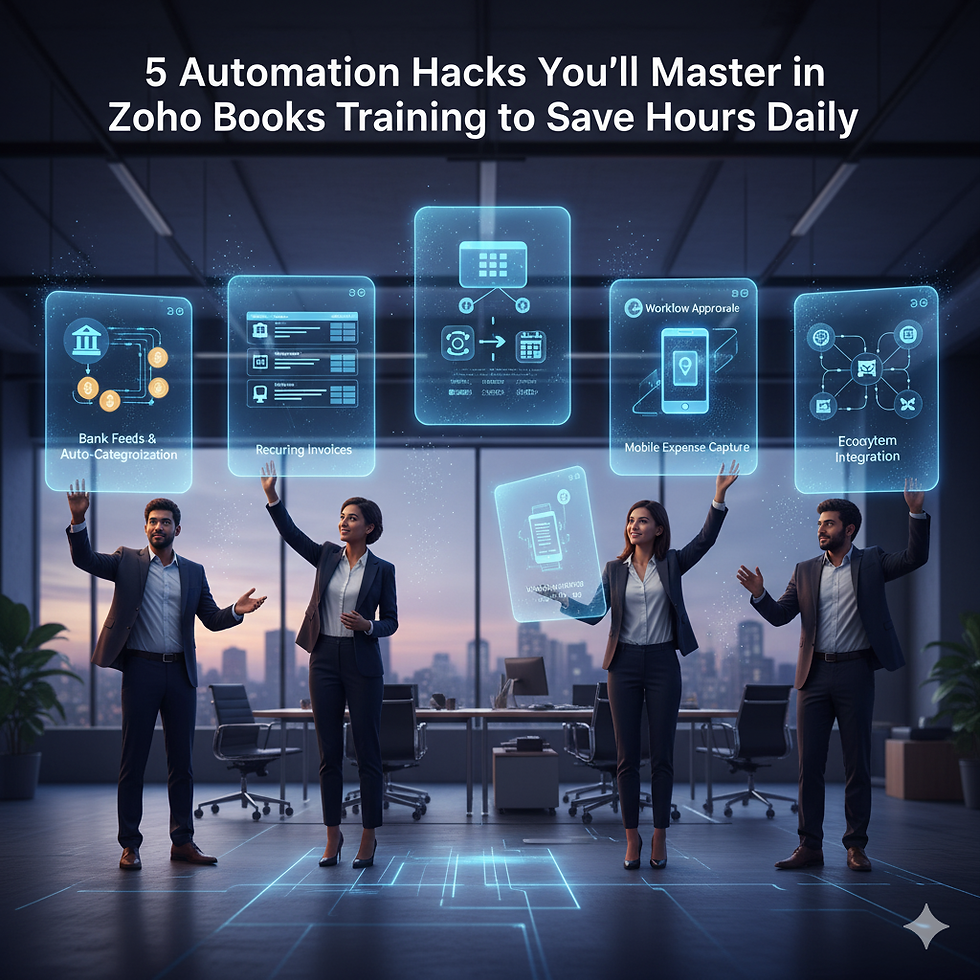
Hack 1: Turbocharging Bank Reconciliation with Auto-Categorization
Bank reconciliation is traditionally the most tedious month-end task. Zoho Books turns this into a streamlined, nearly hands-free process using connected feeds and intelligent rules.
Connecting the Feeds: The Foundation of Real-Time Accounting
The first step is securely connecting your bank accounts to Zoho Books. This allows transactions to be automatically pulled into the software in real-time, eliminating manual upload or entry. The real hack lies in the rules you set up next.
Mastering Reconciliation Rules
You will learn to create Reconciliation Rules that automatically match and categorize transactions. For example, a rule can be set: "If payee name contains 'Amazon' AND amount is less than $100, categorize as 'Office Supplies'." This system learns from your inputs. A certified professional moves beyond simple matching to crafting layered, conditional rules that handle 80-90% of transactions without a single click, allowing you to focus only on complex or unusual items.
Hack 2: Eliminating Debtor Chasing with Recurring Invoices and Payment Reminders
Cash flow is the lifeblood of any business, yet accountants often spend countless hours chasing clients for payments. This is where Zoho Books’ billing automation proves invaluable.
The Power of Recurring Invoices
For clients on retainers, subscriptions, or fixed monthly contracts, you will set up Recurring Invoice Profiles. This hack ensures the invoice is generated and sent automatically on the exact date every month, eliminating human forgetfulness and manual preparation time.
Automated Payment Reminders
The true time-saver is the Automated Payment Reminder feature. You will define a sequence of polite, professional emails to be sent automatically before the due date (e.g., 3 days prior), on the due date, and after the due date (e.g., 5 days late). By mastering the tone and timing of these reminders, you significantly reduce Days Sales Outstanding (DSO) with zero manual intervention.
Hack 3: Enforcing Compliance and Control with Workflow Rules
Compliance and internal controls traditionally rely on manual sign-offs and paper trails. Zoho Books utilizes Workflow Rules to automate the approval process and enforce organizational policies.
Setting up Conditional Approvals
You will learn to define actions based on financial conditions. For instance: "If a Bill is created for a vendor and the total amount is over ₹50,000, send a push notification and email to the Director for approval. Block payment until approved." This hack ensures high-value transactions are vetted immediately, eliminating the risk of fraud or overspending.
Auto-Update and Field Validation
Beyond approvals, Workflow Rules can automatically update fields or restrict entries. You can set a rule to auto-tag all expenses for a specific project, or prevent an invoice from being sent if the GSTIN field is blank. This ensures data hygiene and compliance are enforced by the system, not by human memory.
Hack 4: Real-Time Expense Management via the Mobile App
Tracking expenses for employees and fieldwork can be a nightmare of lost receipts and late submissions. Zoho Books turns your mobile phone into a powerful expense logging tool.
Snap, Scan, and Log: The Paperless Revolution
Training focuses on using the Zoho Books mobile app to simply snap a photo of a receipt. The software’s Optical Character Recognition (OCR) technology automatically extracts the necessary data: vendor name, date, and amount.
Categorization and Digital Storage
The accountant's job is then minimized to a quick review. The expense is automatically categorized (often via a defined rule), attached to the digital receipt, and stored securely in the cloud. This hack eliminates the physical handling, scanning, and filing of paper receipts, making expense reconciliation a trivial task.
Hack 5: Seamless Integration with the Zoho Ecosystem (Eliminating Double Entry)
Zoho Books is part of a comprehensive suite of business applications. The ultimate hack is using these integrations to eliminate data silos and, most importantly, eliminate double entry.
Sales to Finance Pipeline
You will master the integration points between Zoho CRM and Zoho Books. For example, when a salesperson marks a deal as "Closed Won" in the CRM, the system automatically creates a sales order or invoice in Zoho Books. This critical hack ensures that sales activity is instantly reflected in the financial records, leading to accurate, real-time revenue reporting.
Inventory and Project Integration
Learn to link transactions with Zoho Inventory and Zoho Projects. Billing hours logged in Projects can automatically generate an invoice in Books. Stock consumption recorded in Inventory automatically updates the Cost of Goods Sold (COGS) in the financial statements. This holistic approach ensures every departmental action is financially accounted for instantly.
Conclusion: The transition to cloud accounting with Zoho Books is not just a software change; it’s a career transformation. Mastering these five automation hacks—from intelligent bank reconciliation and automated billing to powerful workflow rules and ecosystem integration—proves you are not just capable of maintaining books, but capable of driving financial efficiency and control. Certification validates your expertise as a vital asset in any modern, scalable business.



Comments